Shared calendar
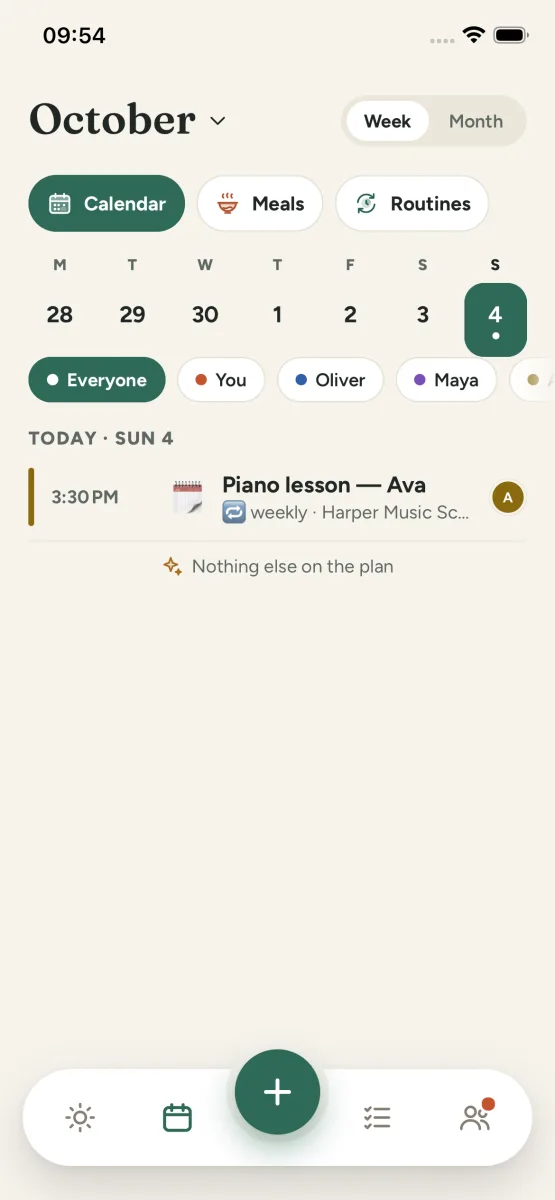
One calendar for the whole family. Everyone sees what is happening, and changes show up on every phone as they are made.
 Kinly
Kinly
Kinly for iPhone
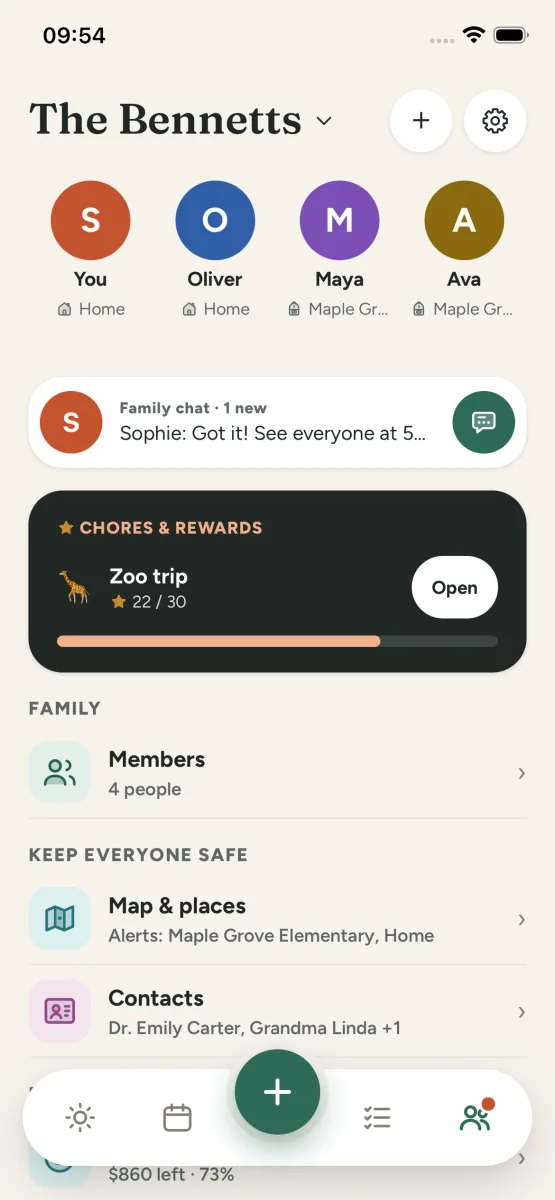
One calm place for the shared calendar, the shopping list, tonight’s dinner and who is picking up whom.
App gallery
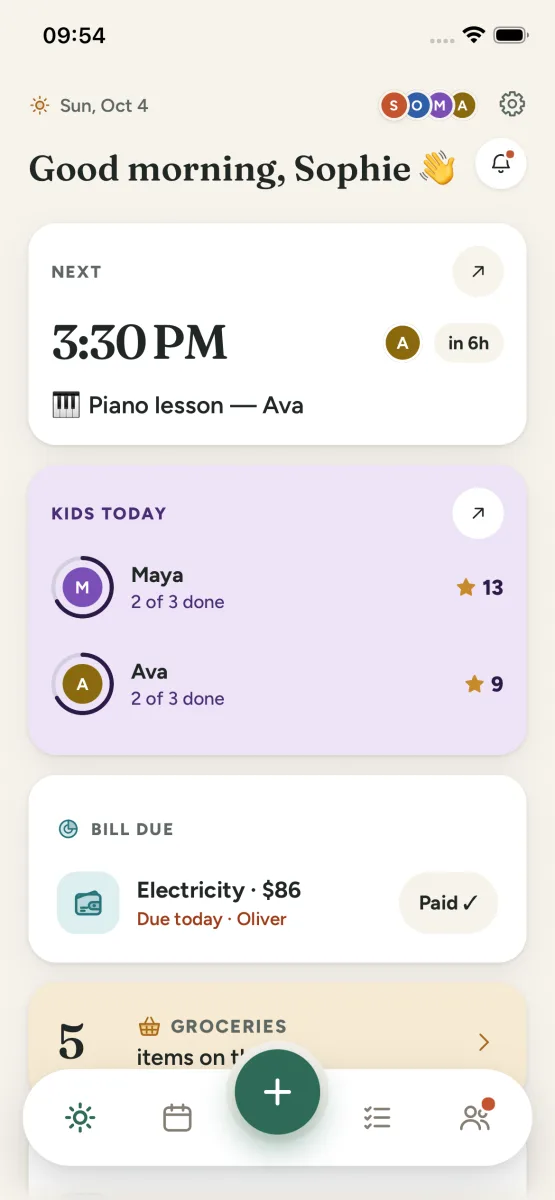
What is inside
One calendar for the whole family. Everyone sees what is happening, and changes show up on every phone as they are made.
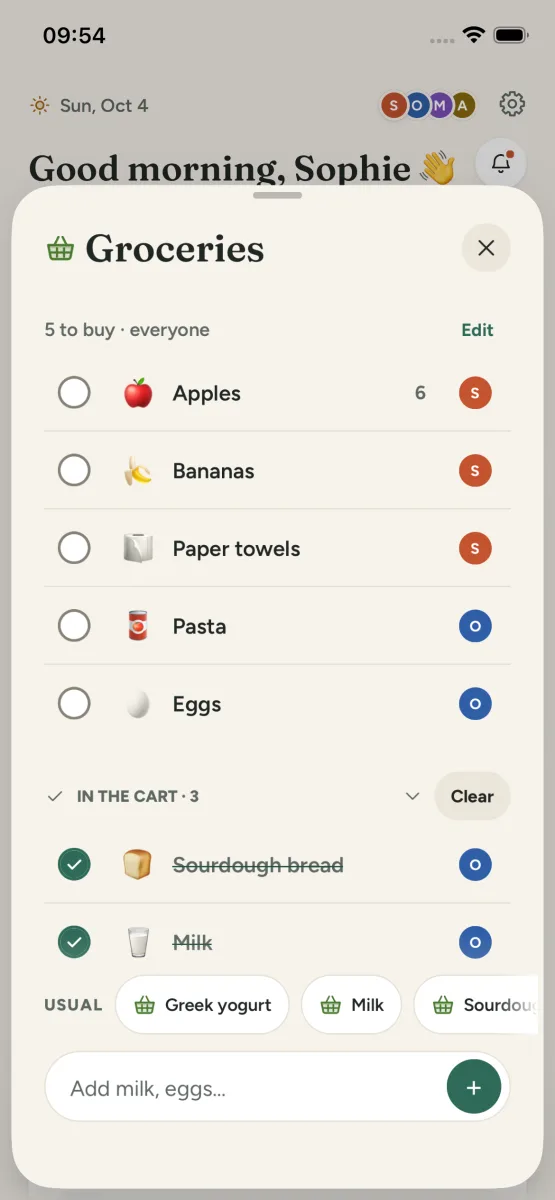
Smart shared lists for the shop, the trip and the to-do. Add an item once and the whole family sees it.
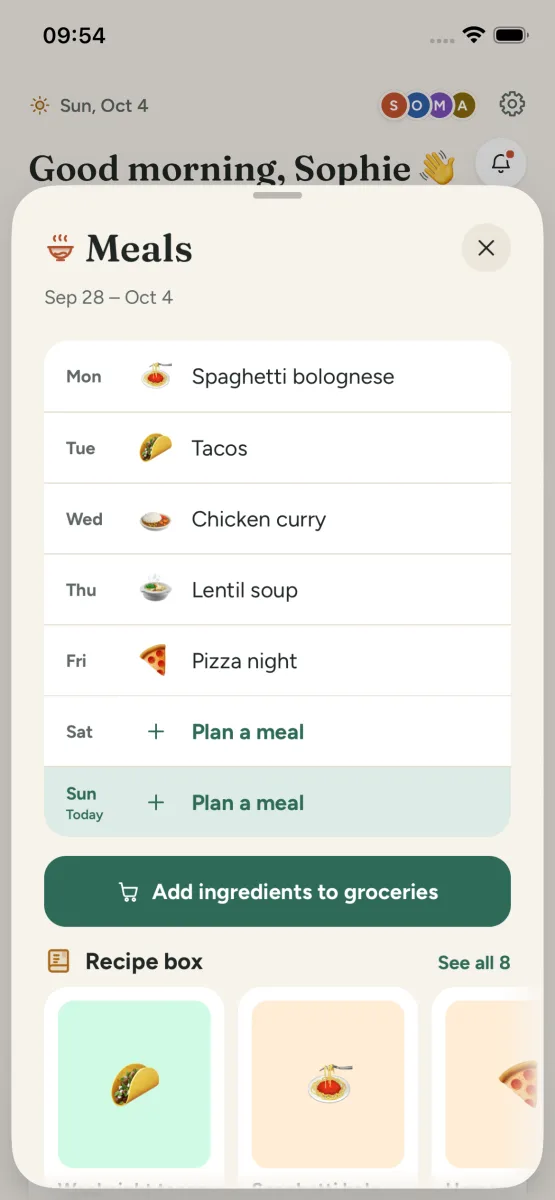
Plan the week’s dinners together so the question “what are we eating?” is already answered.
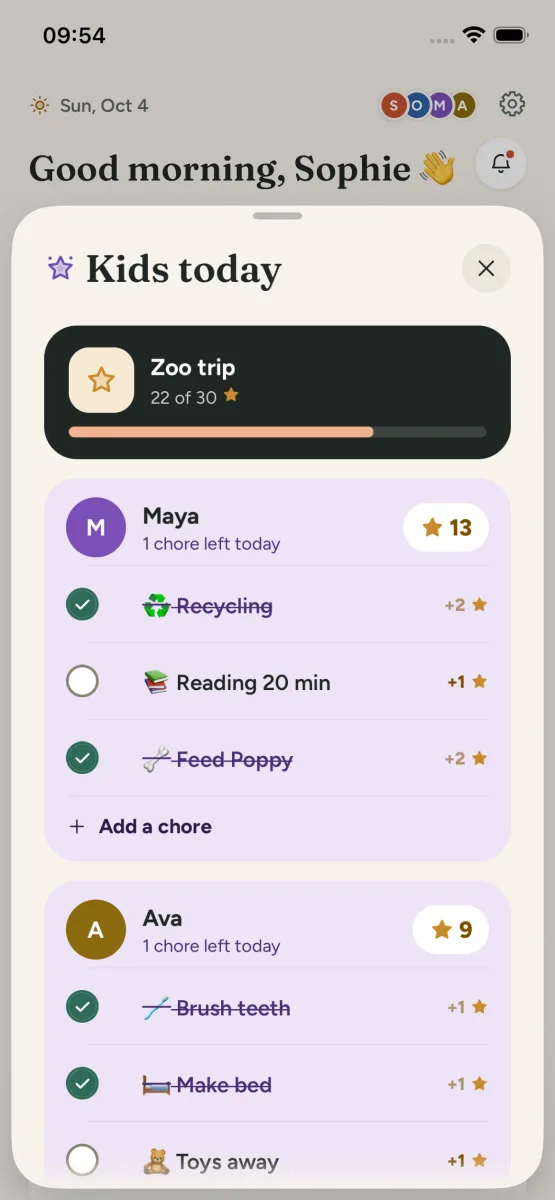
Hand out the jobs around the house and let the kids collect stars for getting them done.
Keep the family’s spending in one place so everyone can see where the month is going.
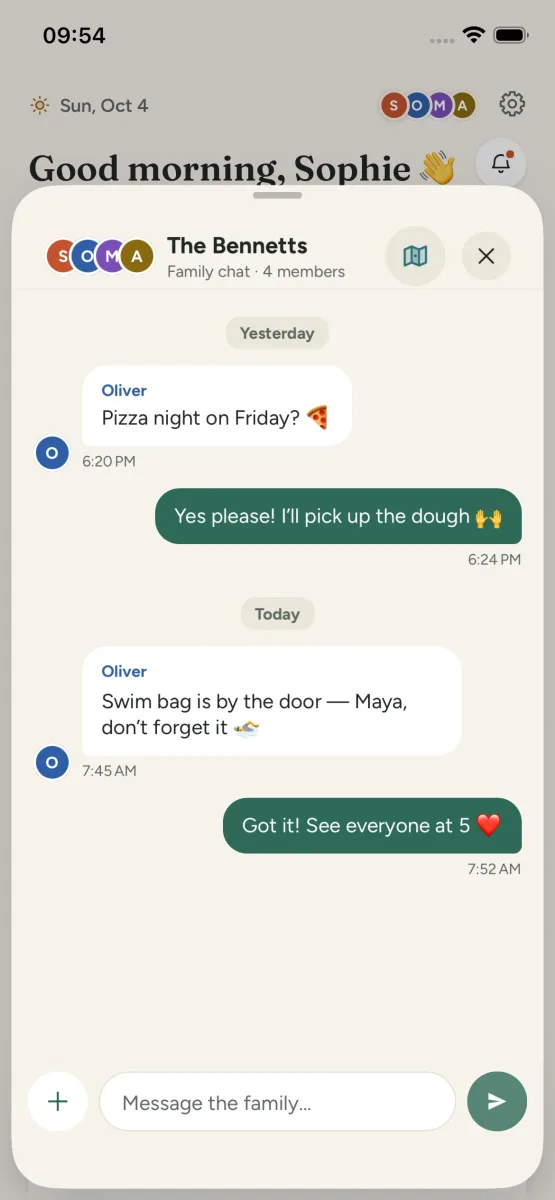
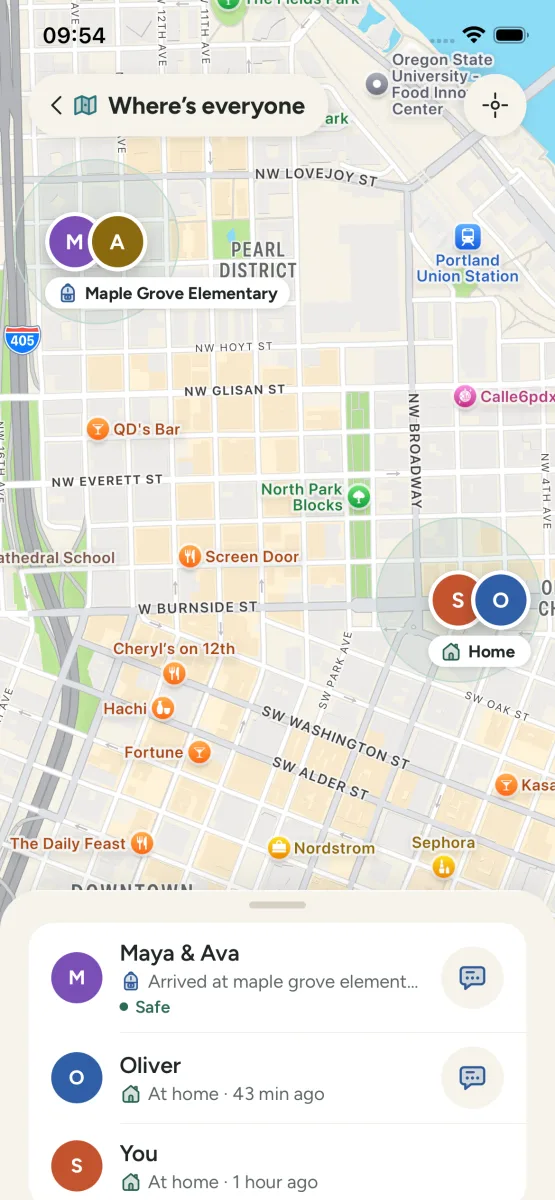
Talk in real-time family chat, and, when you switch it on, share locations on the Family Map with place alerts like “Arrived at School”.
Private by design
Events, lists, chats, photos and documents are stored in private cloud storage and are only accessible to your family group. You can delete your account and all its data from inside the app.
Read the privacy policyAsk them to send you an invite link or their five-character family code. Open the link on your iPhone, or enter the code in Kinly when you sign up.
Kinly Family Pro is the app’s premium subscription, billed monthly or yearly through the App Store. It renews automatically unless you cancel at least 24 hours before the end of the period, and you manage it in your App Store account settings.
Your content is stored in private cloud storage and is only accessible to your family group.
Open Settings, then Account, then Delete account. Details are on the delete account page.